.png)

Learning Center


Select Analysis Type
The list of analysis types is located to the right of the molecule editor. Select ‘Similar Molecules’ under ‘Similarity Search’ in the list.
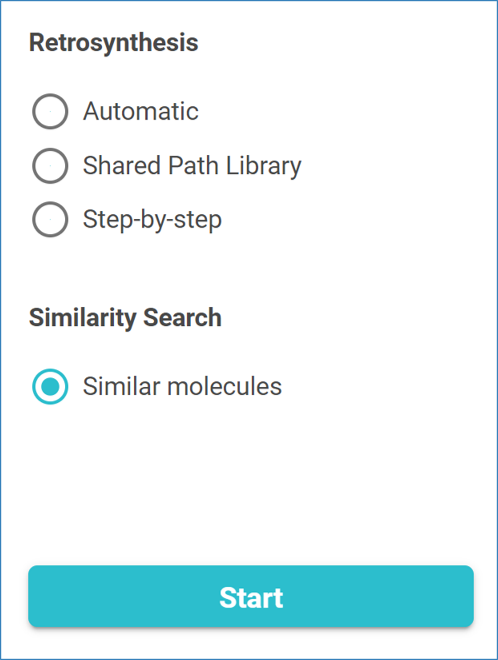
Click ‘Start’ to start the analysis.

Learning Center
The list of analysis types is located to the right of the molecule editor. Select ‘Similar Molecules’ under ‘Similarity Search’ in the list.
Click ‘Start’ to start the analysis.