.png)

Learning Center


4. Unlock Users
If users try to log on unsuccessfully more than 5 times in a row, they will be automatically locked out of their account. Locked accounts need to be unlocked manually by a User Manager or a SYNTHIA™ Admin Manager.
When a user contacts you to unlock their account, you can do so by following the steps below:
- Find the user in your Registered Users table by typing their name or email address in the search text box

- Click on the row corresponding to the locked user to open the user’s card
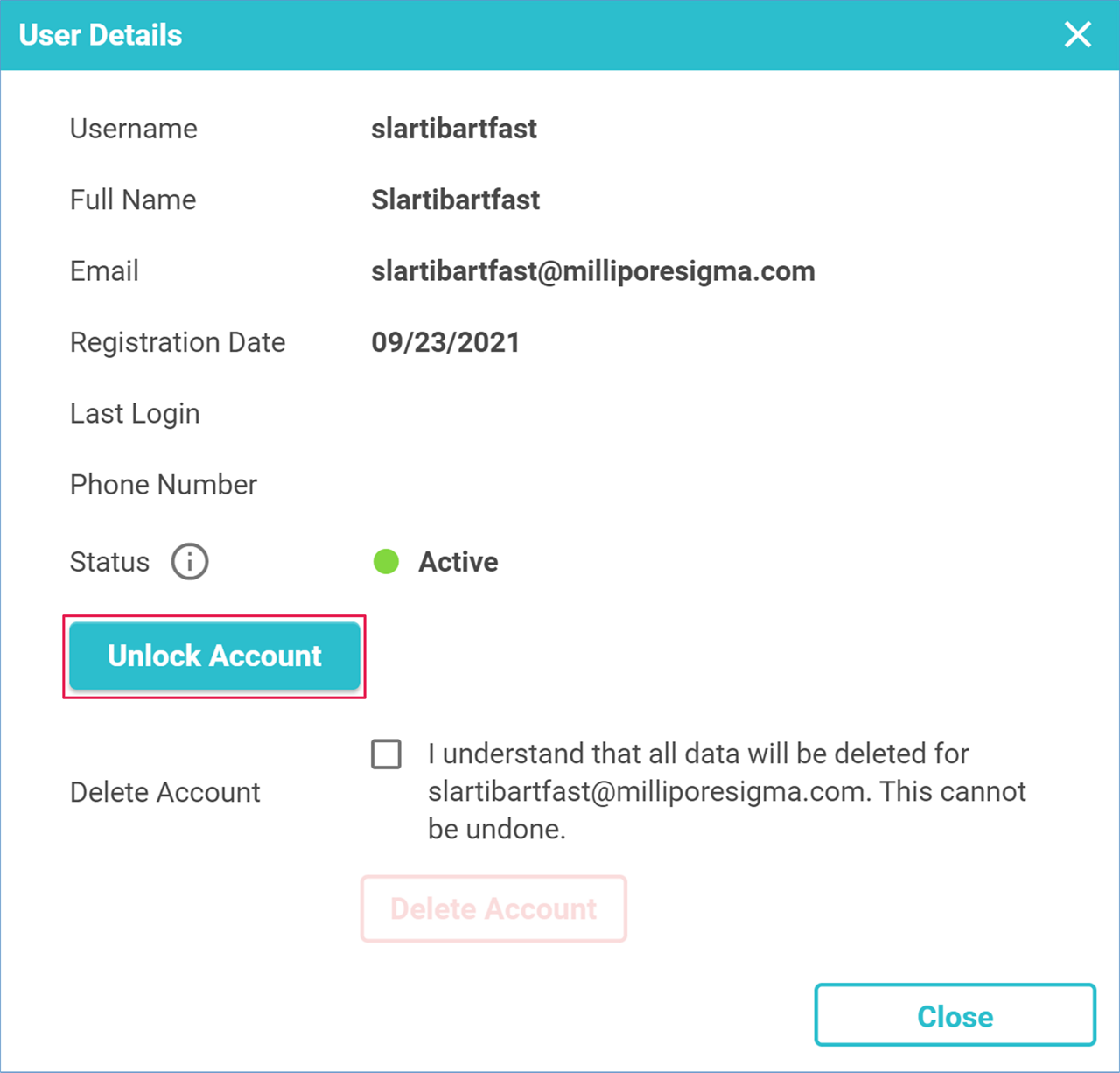
- When a user is locked out, the Unlock Account button is enabled
- Click on this button to unlock the account
- You may notify the user that their account has been successfully unlocked
