.png)

Learning Center


INTRODUCTION
SYNTHIA™ Retrosynthesis Software allows you to run different types of analyses, such as Automatic Retrosynthesis, Step-by-Step Retrosynthesis, or Multiple-Target analyses, to find synthetic pathways to your target molecules.
This guide describes how to locate, manage, and organize your analyses in the home dashboard.
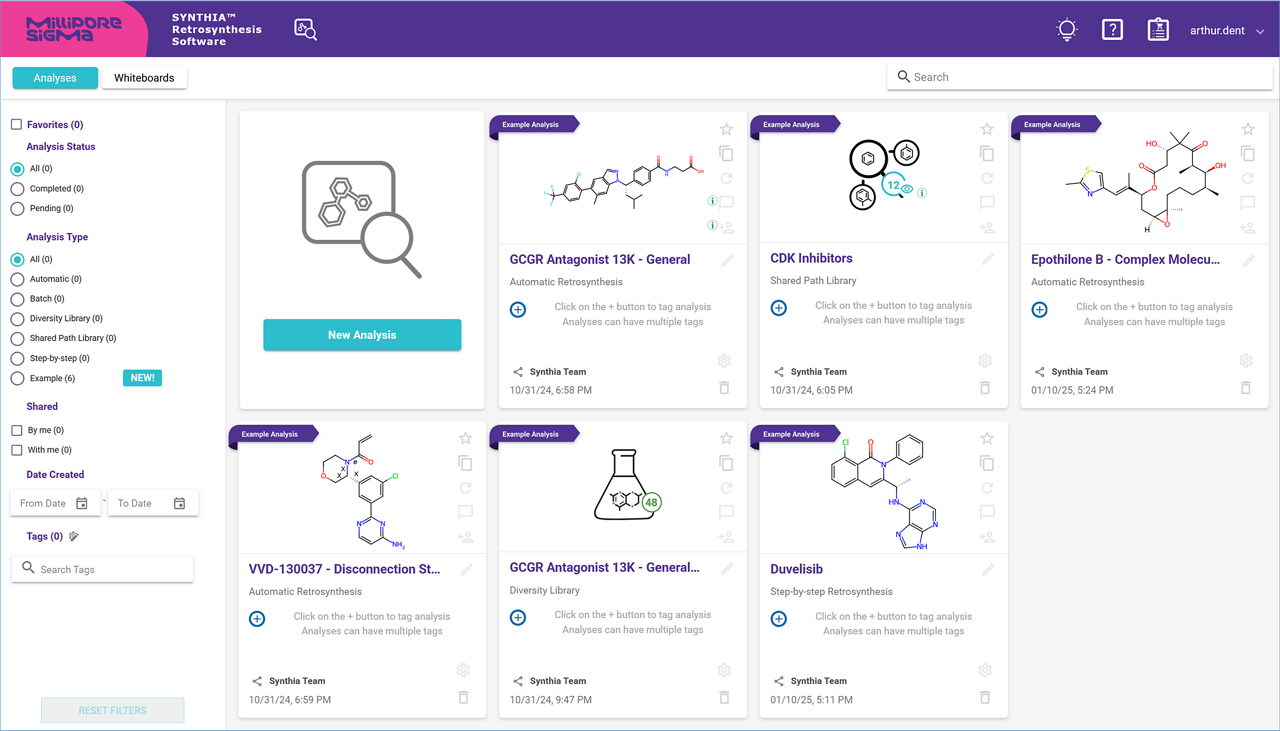
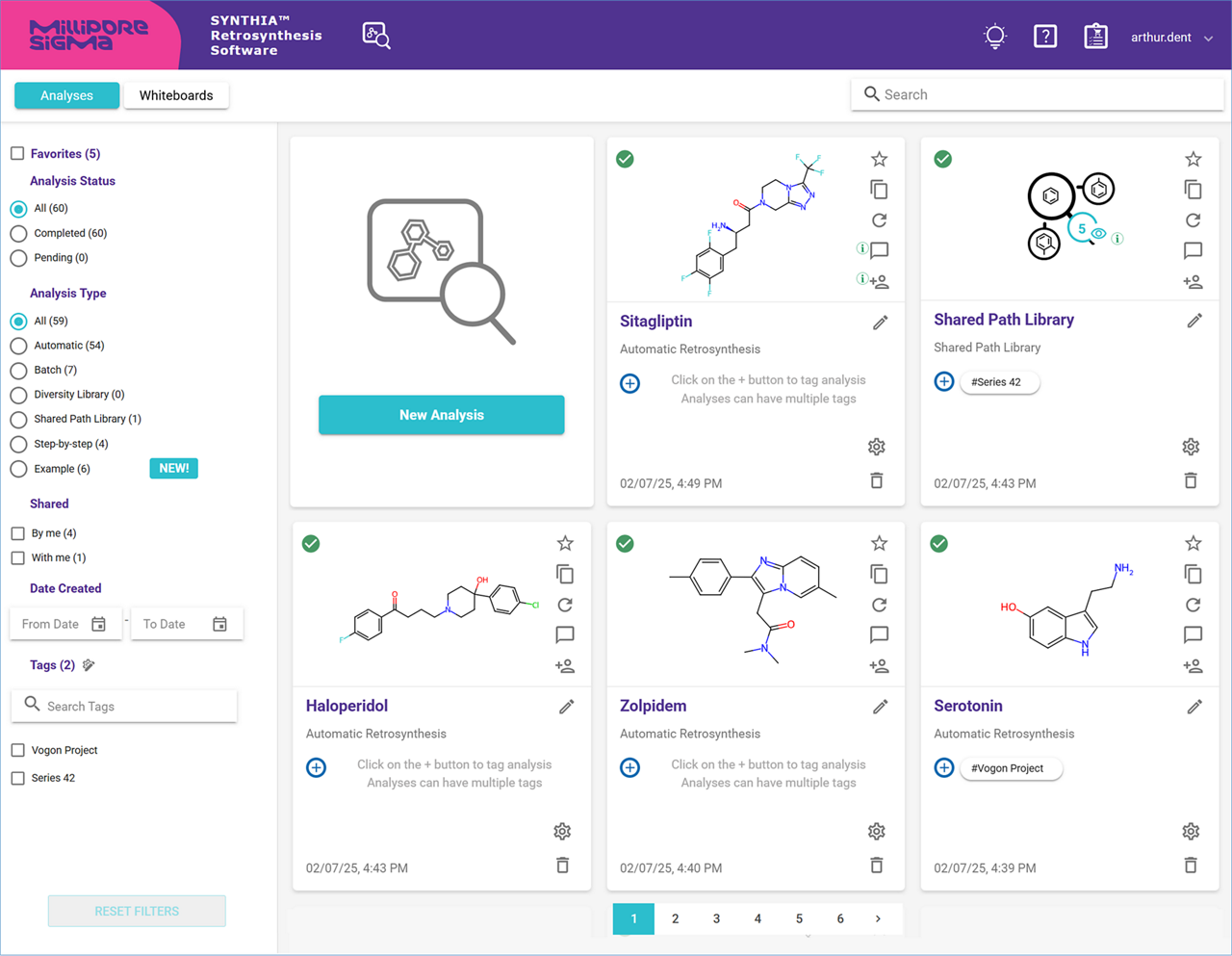
All your analyses are saved on your dedicated SYNTHIA™ Retrosynthesis Software web server, and can be found in a dashboard on the homepage. The dashboard is separated into three sections: the main section displays your analyses, each represented by a card; the left side panel contains folders and filters; and the header allows you to search for specific analyses.
Analyses are sorted by date of creation, with the newest ones shown first. Use the page navigation bar at the bottom of the main section to scroll through the pages, and find older analyses.