.png)

Learning Center


Connect Your Account
To use the Shopping List, you first need to connect your SYNTHIA™ application to your Sigma Aldrich e-commerce account.
- Click on the ‘Shopping List‘ icon,
- Click ‘Continue’ to access the sign in page for your Sigma Aldrich e-commerce account,
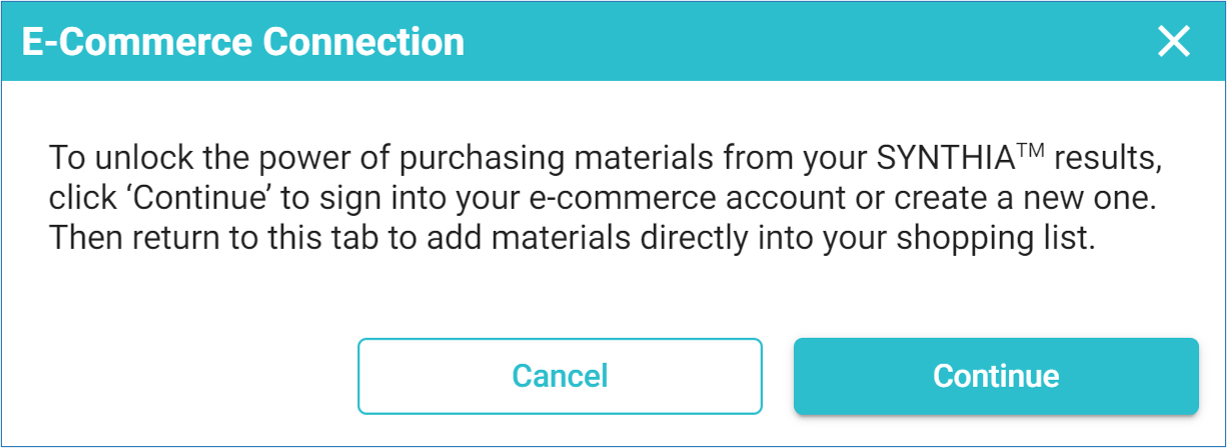
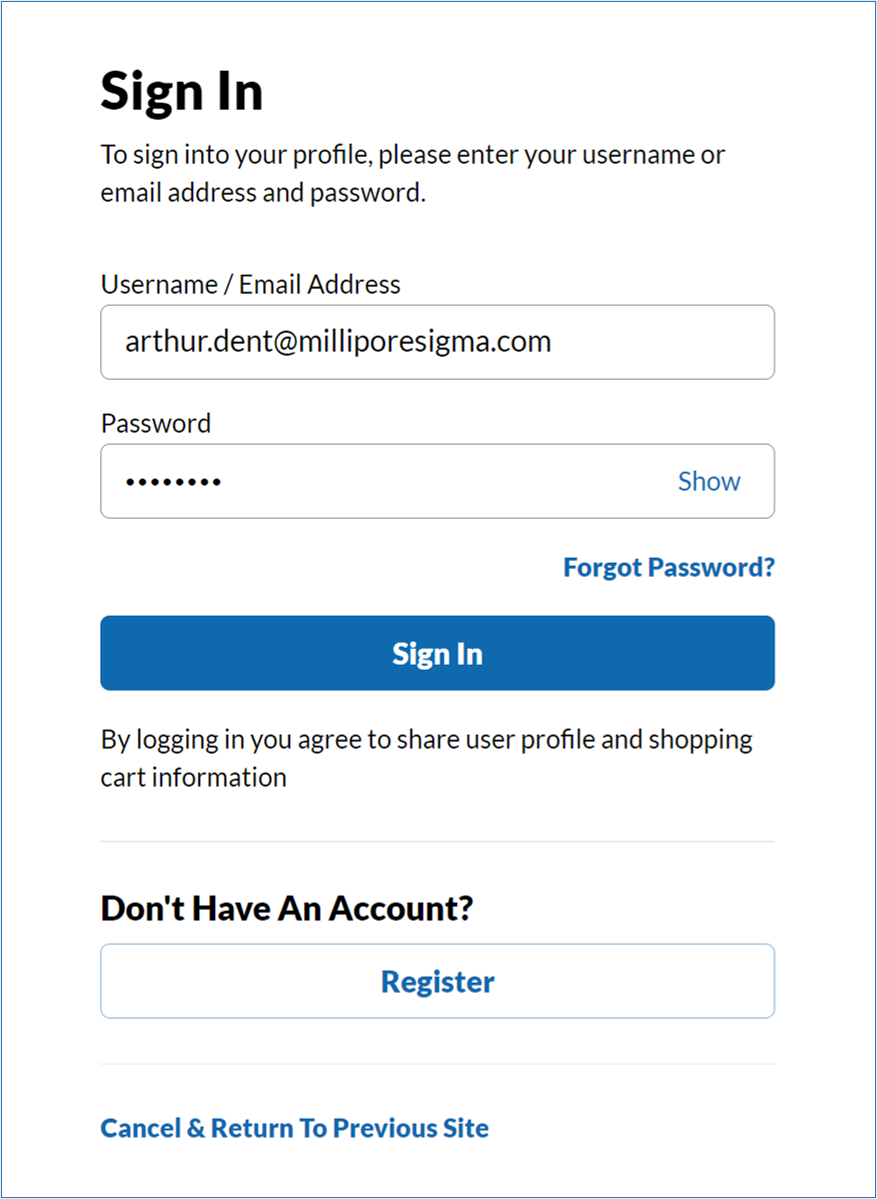
- Enter username and password for your Sigma Aldrich account and click ‘Sign In’.
Once your credentials are verified, a message pops-up to confirm the Shopping List is ready to use.
Note: In case you do not have a Sigma Aldrich e-commerce account yet, you can sign up for one. Click on ‘Register’ and complete the registration form. Once you receive the confirmation email, connect your new account to your SYNTHIA™ application following the steps described above.
