.png)

Learning Center


Open a Whiteboard
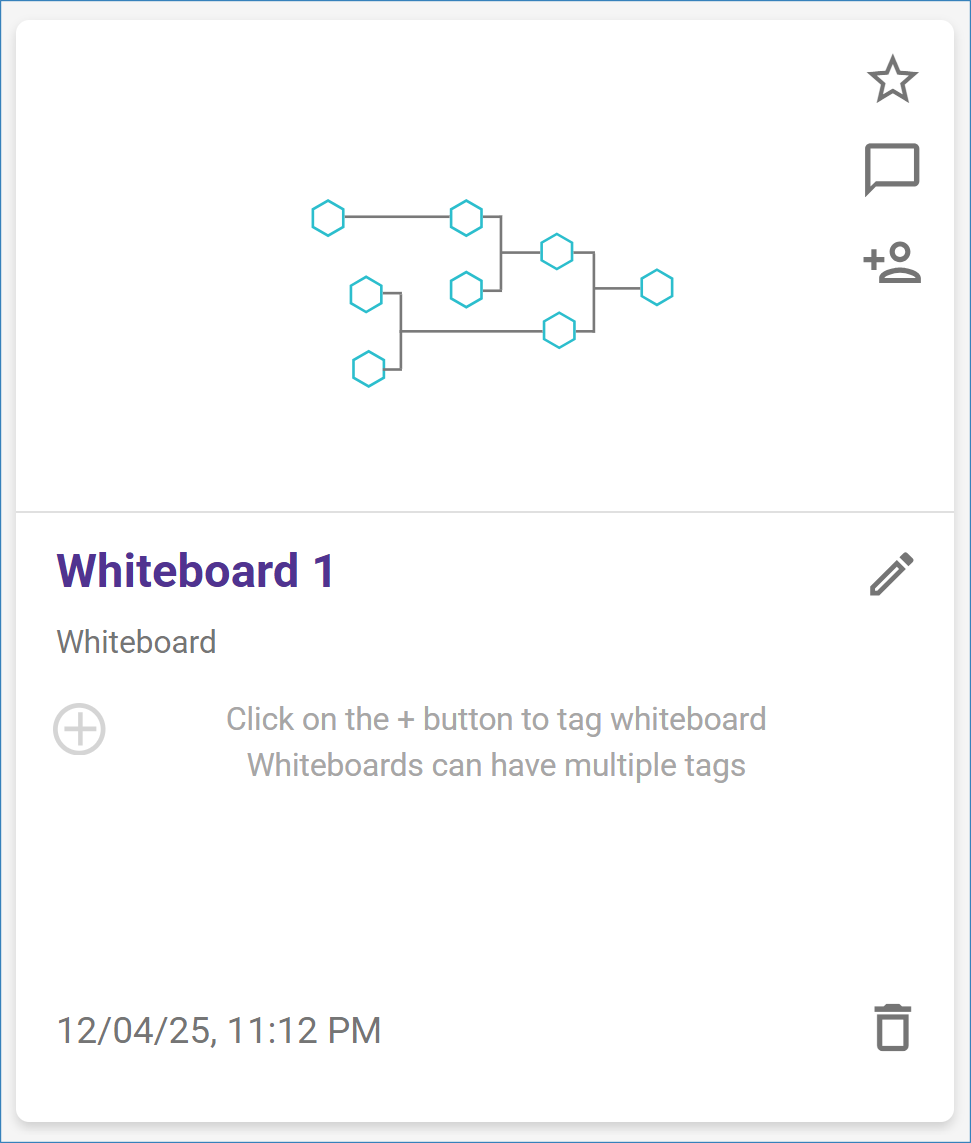
To access your Whiteboards, click on the ‘Whiteboards’ button located in the top navigation bar of your Analysis Dashboard. This will open the Whiteboard dashboard page.

Click on the tile of the Whiteboard you want to edit to open it.
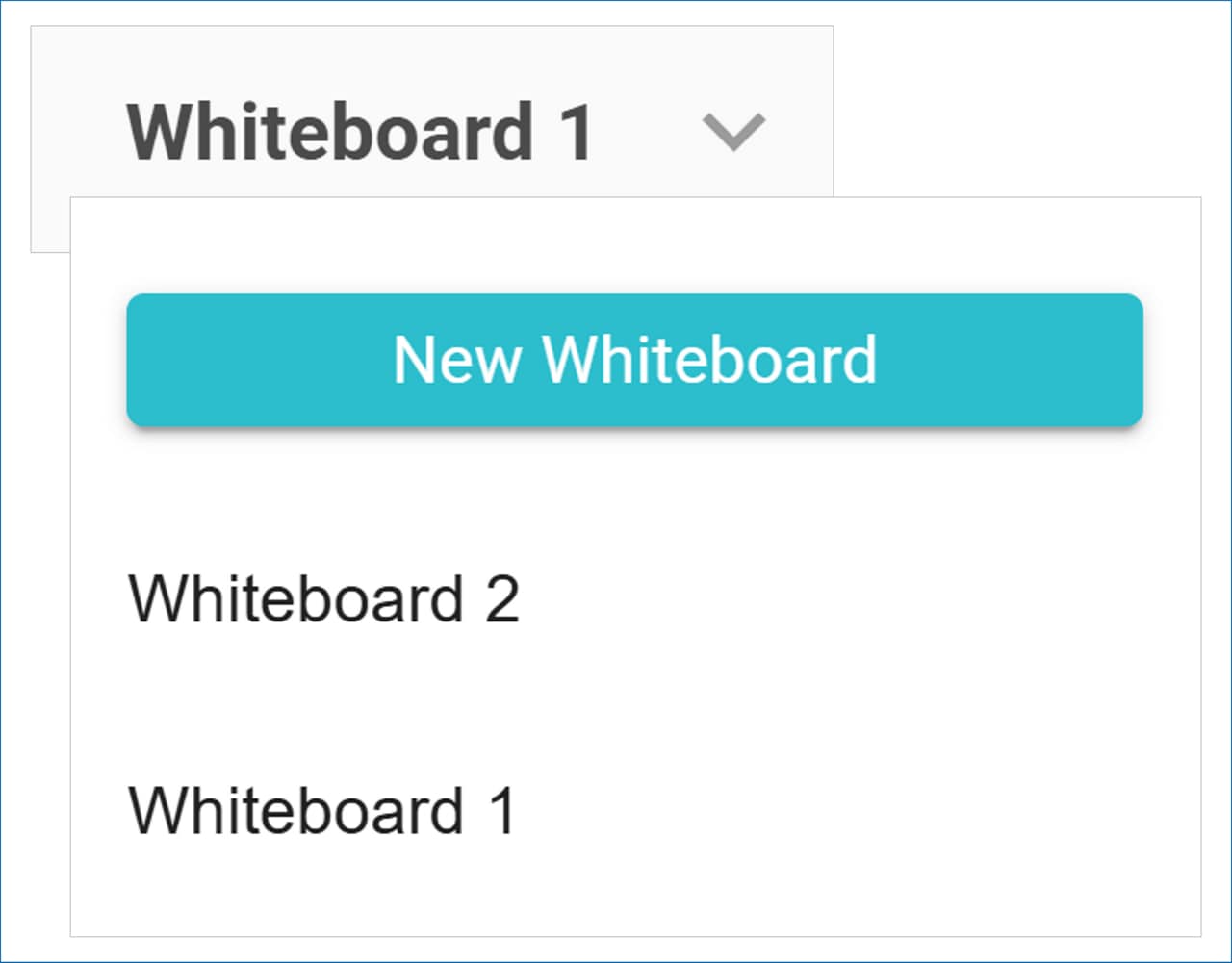
Once a Whiteboard is open, you can create a new one or switch to a different Whiteboard using the dropdown menu at the top of the Molecule Editor.