.png)

Learning Center


Create a Whiteboard
To create a new Whiteboard, select the ‘New Whiteboard’ icon in the top header of SYNTHIA®.
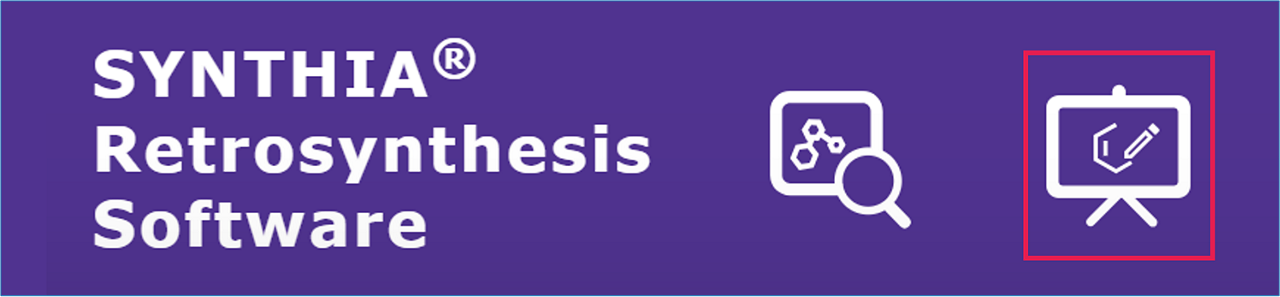
Alternatively, you can click on the ‘Whiteboards’ button located in the top navigation bar of your analysis dashboard. This will open the Whiteboard dashboard page.

From the Whiteboard dashboard, click on the ‘New Whiteboard’ button.
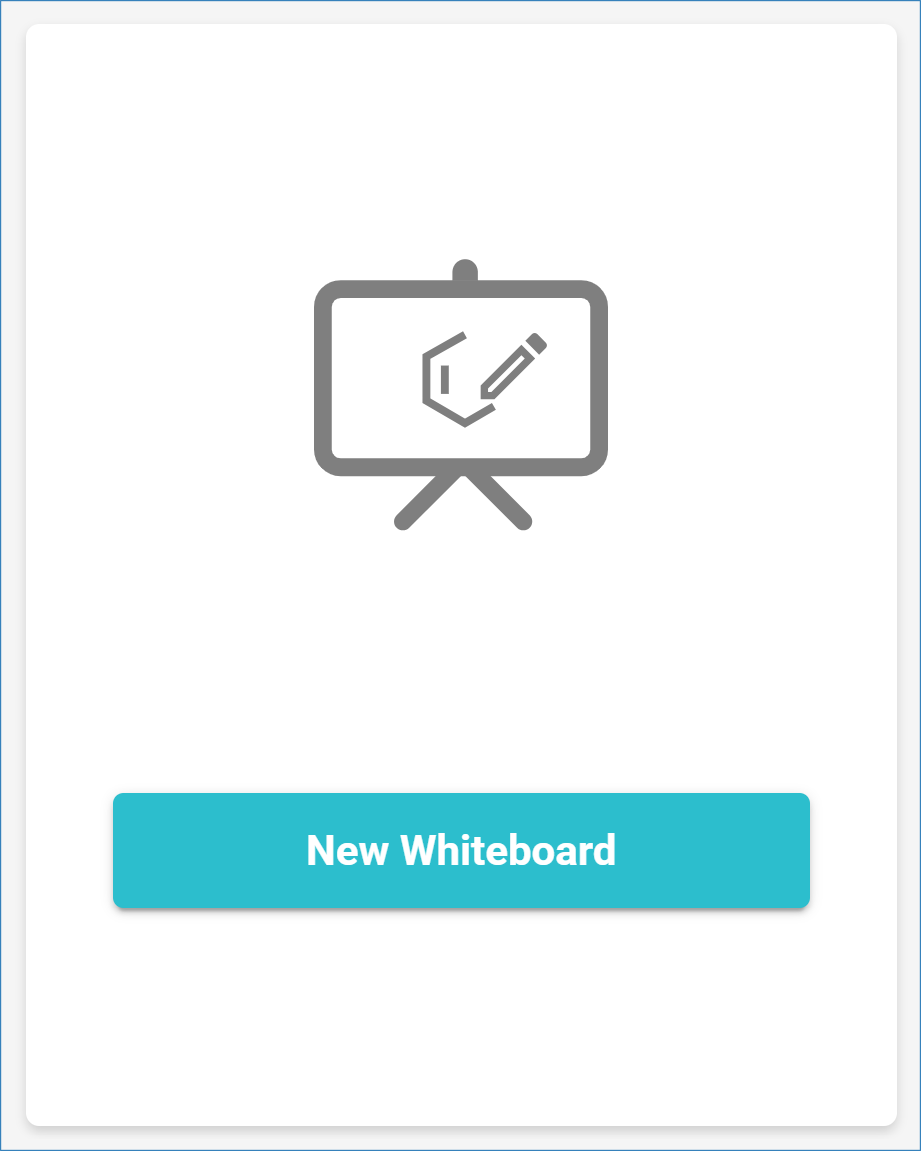
This will open a new Whiteboard workspace, where you can begin drawing molecules and reactions using the integrated molecule editor or import elements directly from your analysis results.
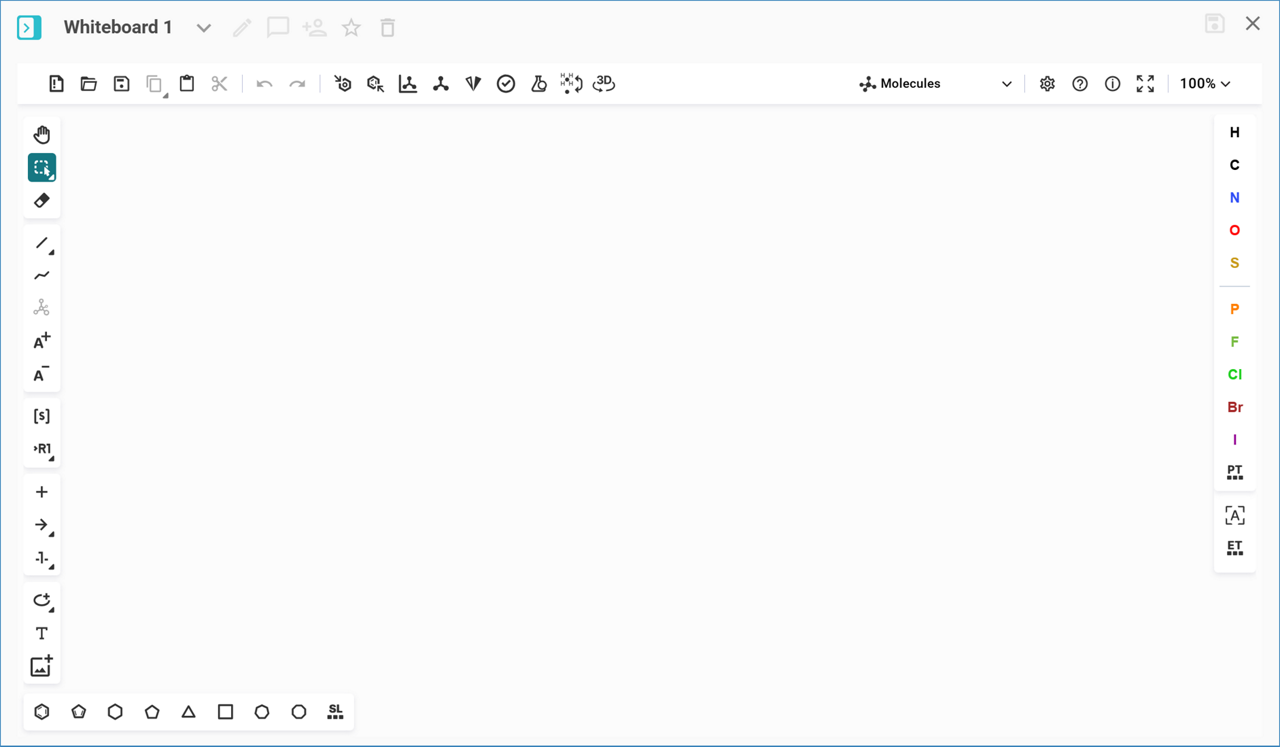
To add custom molecules and reactions to the molecule editor, you can use the molecule editor drawing tools or paste structures and text copied from a different molecule editor.
For more information on using the Molecule Editor, see our Tips & Tricks.
