.png)

Learning Center


Export Pathways in Graph View
You can export whole or partial pathways in Graph view.
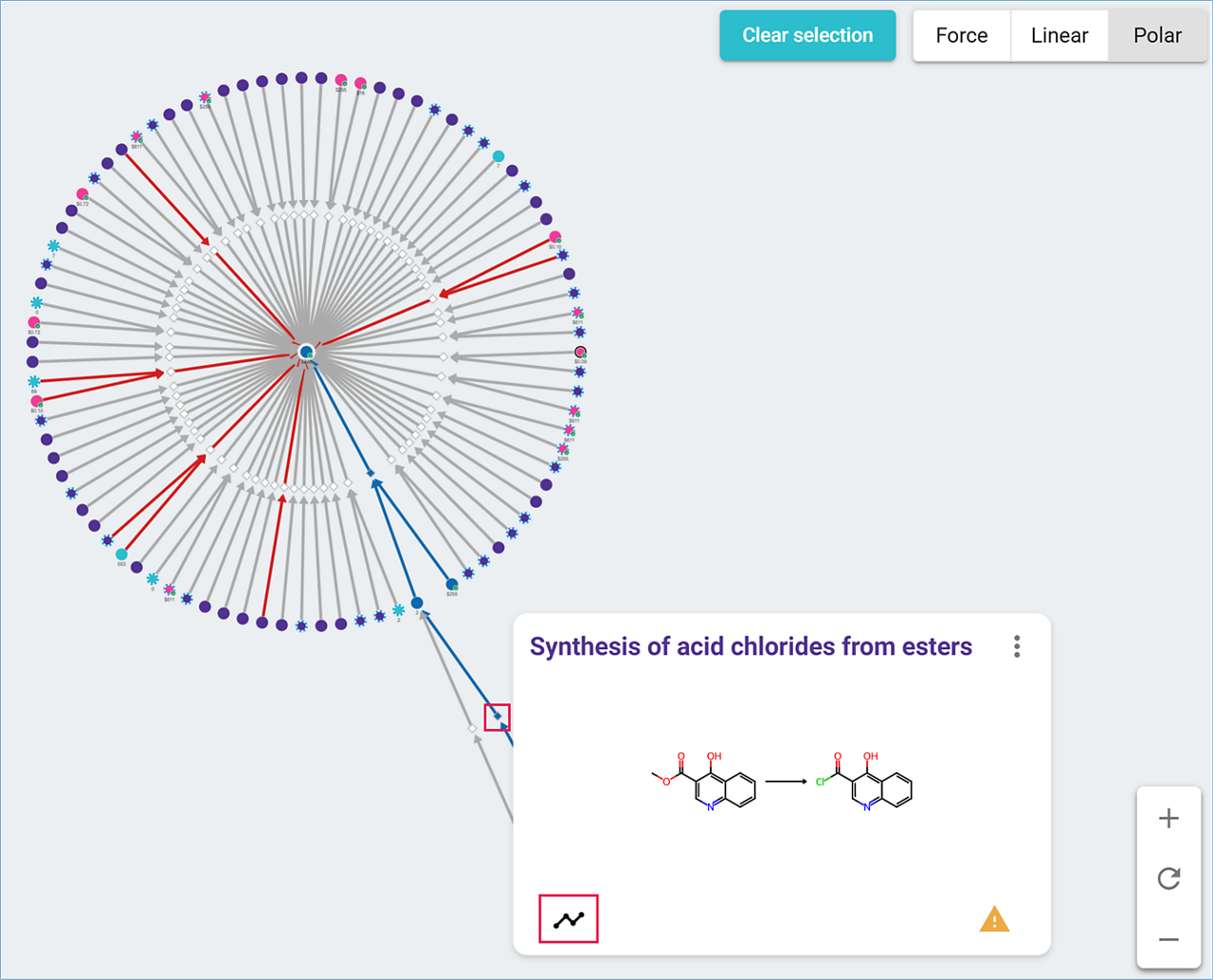
- Select the reactions you want to save by opening the reaction node furthest away from the target,
- Click on the ‘Pathway’ icon at the lower left of the reaction pop-up window,
- The selected path is highlighted in dark blue,

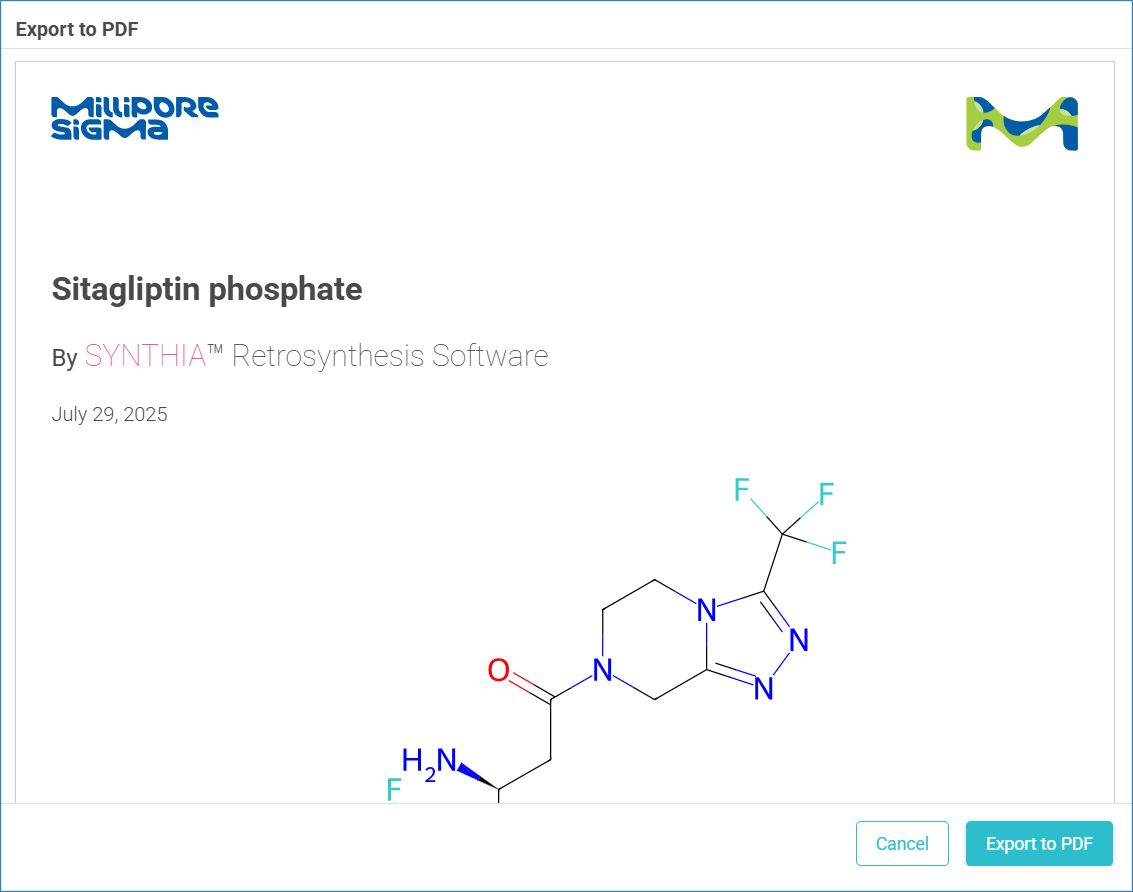
- Click the ‘Download’ icon in the upper right of the results screen to open a preview window,
- After reviewing the data, select ‘Export to PDF’ to download the data on your computer.
Note: When printed from Graph view, the reactions in the PDF are not listed in any specific order.